October 17, 2026
Contactless Patient Check-In: A Simpler Way to Welcome Clients
By Alex Berthé-Suarez, LCSW-C, founder of Heerio
Remember when just about every waiting room had a clipboard and a pen?
You'd walk in, write your name on a sheet of paper, and wait for someone to notice you'd arrived.
It worked, but it wasn't especially private, convenient, or efficient.
Fortunately, there's a much better way.
Contactless check-in lets clients announce their arrival using their own phones, without approaching a front desk, downloading an app, or touching a shared device.
And for small practices, it can save providers a surprising amount of time.
How does contactless check-in work?
The concept couldn't be simpler.
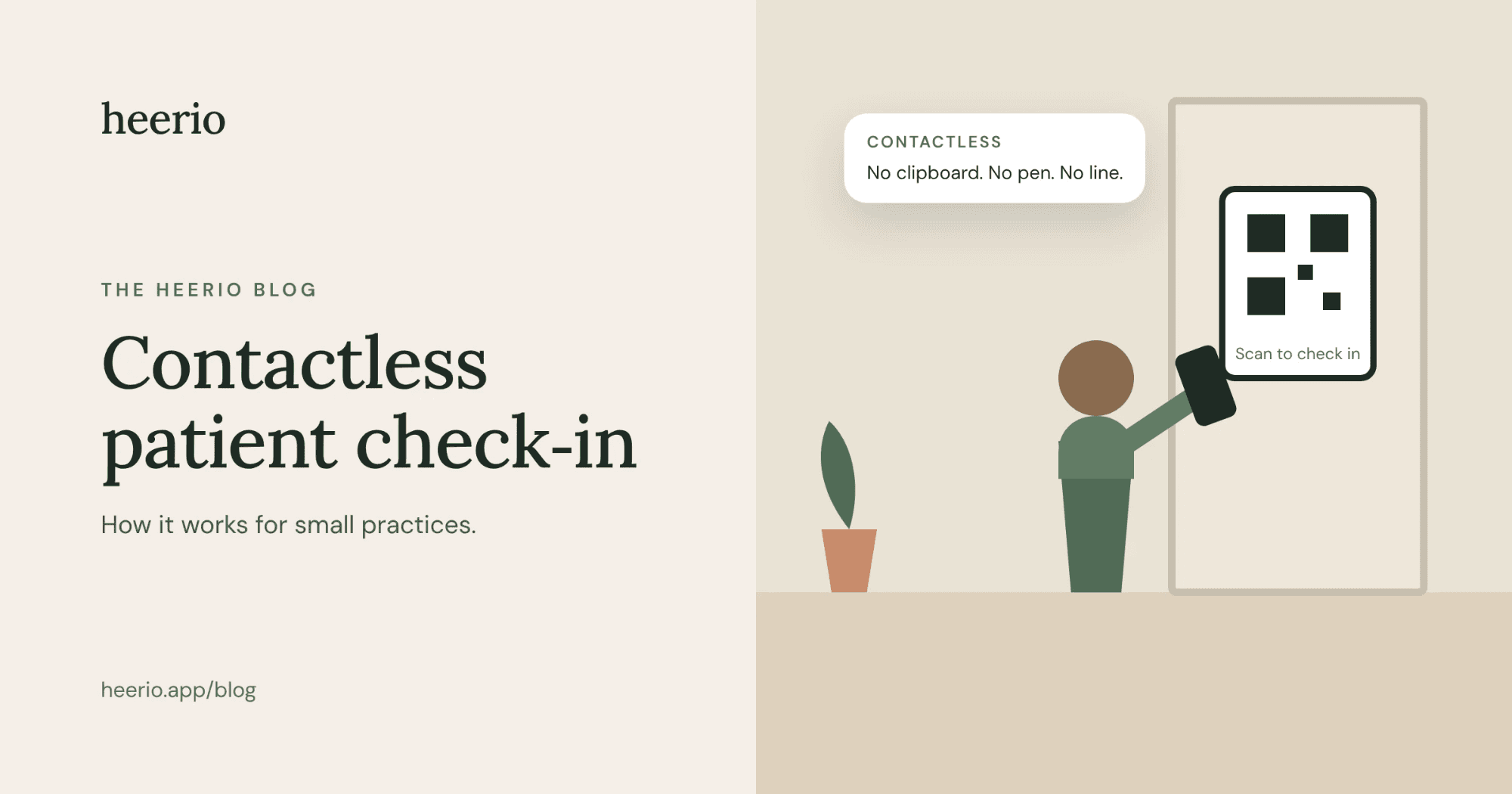
A client arrives at your office, scans a QR code with their phone, and checks in through their browser.
Their provider receives a notification.
That's it.
No clipboard. No front desk required. No getting up from your desk to see who's in the waiting room.
I particularly like this approach for solo practitioners and small group practices because it doesn't require any new equipment.
You can print a QR code, place it somewhere visible in your waiting room, and you're ready to go.
Three ways clients can check in using their phones
1. QR code check-in
For most practices, this is probably the easiest option.
Clients scan a code posted in your waiting room and check in directly through their phone's browser.
No app to download and no special hardware to buy.
2. A dedicated client app
For clients who visit regularly, a check-in app can be even more convenient.
They open the app, select their provider, and announce their arrival.
Some apps, including Heerio for Clients, also let clients indicate that they're running late or unable to make their appointment.
The downside? Not everyone wants another app on their phone.
3. Text-message check-in
Some practices ask clients to send a text when they arrive.
It's simple and familiar, but it has limitations.
Messages can get buried in conversations, and clinicians may not want clients contacting their personal phone numbers.
If you use texting, make sure the process meets your practice's privacy and security requirements.
What about a waiting-room tablet?
I'm actually a fan of this option, too.
There's something nice about having a dedicated tablet in the waiting room. It looks professional and gives clients an obvious place to check in.
But since multiple people may use the same touchscreen, it isn't contactless in the strict sense.
That's why I like giving practices a choice.
A tablet for clients who prefer it. A QR code for those who want to use their own phones. And an app for regular visitors.
What should you look for in a check-in system?
I'd keep it simple.
You want clients to understand how to check in without needing instructions from a staff member.
You want providers to receive reliable notifications.
You want the system to respect client privacy.
And, particularly for small practices, you don't want to pay hundreds of dollars for a complicated system when all you need is an arrival notification.
For healthcare practices, appropriate HIPAA safeguards and a Business Associate Agreement are important considerations as well.
Why I built Heerio
As a therapist, I used to spend time between sessions checking whether my next client had arrived.
Sometimes I'd listen for the front door. Sometimes I'd walk down the hallway. Sometimes I'd just have a hunch.
Eventually, I decided there had to be a better way.
That's how Heerio started.
I wanted something simple, attractive, and affordable. A system that lets clients announce their arrival and notifies their provider, without all the unnecessary extras.
Heerio now offers all three check-in methods: QR code, the Heerio for Clients app, and a waiting-room tablet.
Providers receive notifications through the Heerio Hub app, with Apple Watch notifications available through a paired iPhone. They can also view arrivals on their desktop dashboard.
Whether you run a therapy practice, a law office, or a barbershop, Heerio works for any appointment-based business. And for healthcare practices, it’s built with HIPAA safeguards, with Business Associate Agreements available.
And because I wanted it to be affordable for small practices, plans start at just $4.99 per month for the first six months, with unlimited providers at a single location.
There's also a 30-day free trial.
You might be surprised how much you appreciate never having to check the waiting room again.