October 6, 2026
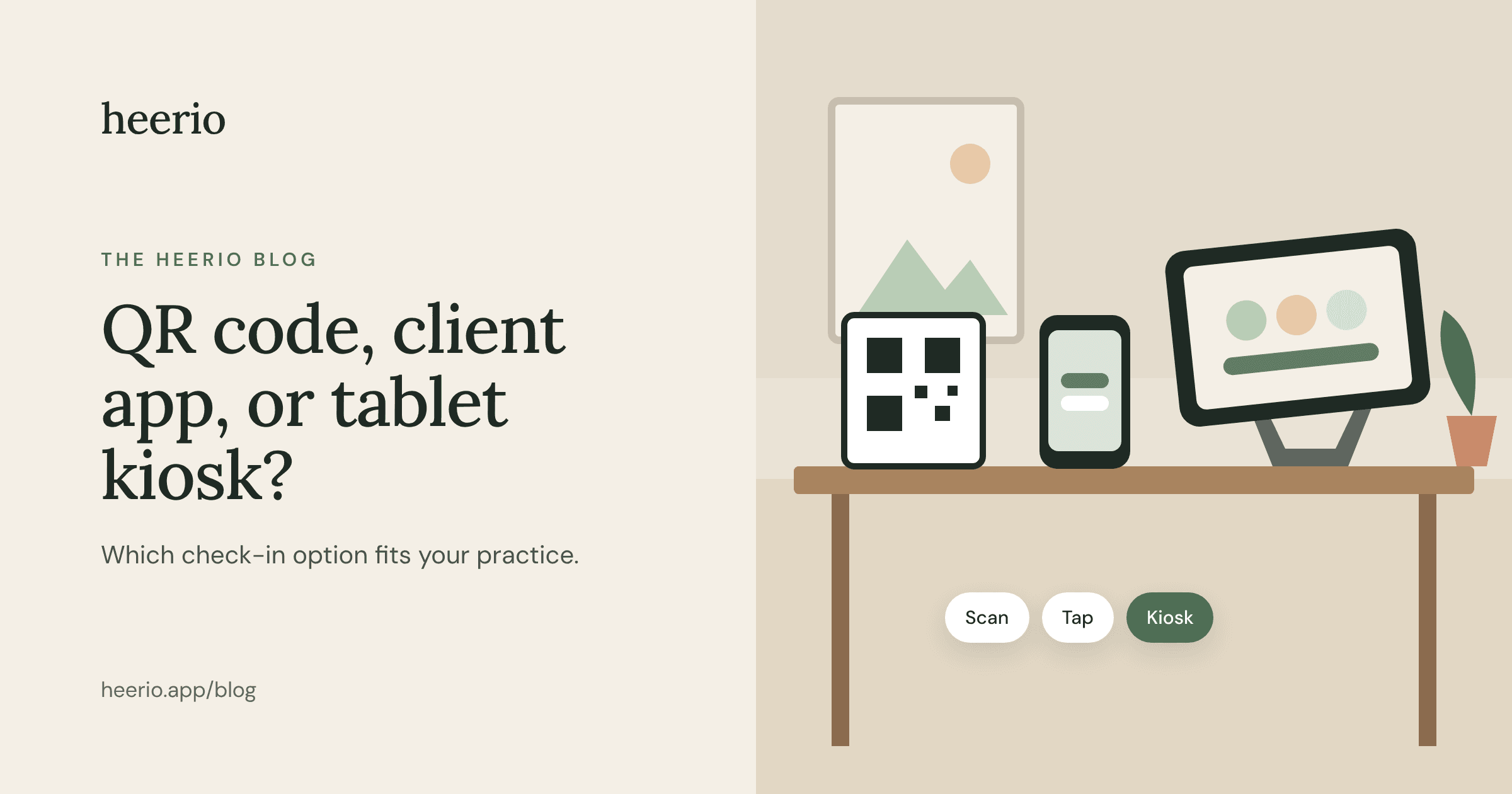
QR Code, Client App, or Tablet Kiosk: Which Check-In Option Is Right for Your Practice?
By Alex Berthé-Suarez, LCSW-C, founder of Heerio
When I first started building Heerio, I had a pretty straightforward idea: put an iPad in the waiting room, let clients tap their name or provider, and send a notification to the therapist.
Then I started thinking about all the different practices that might use it.
What if you don't want to buy a tablet? What if your clients would rather use their own phones? What about clients who aren't particularly comfortable with technology?
That's how I ended up including three different ways to check in.
Here's how they work and which one might make the most sense for your practice.
1. QR code check-in: The simplest place to start
Print a QR code, put it in your waiting room, and you're ready for clients to check in using their phones.
They open their phone's camera, scan the code, and check in through their browser.
No app to download. No tablet to purchase. No device to keep charged.
Best for: Solo practitioners, small offices, and anyone who wants a simple, inexpensive setup.
The tradeoff: Clients need a phone capable of scanning the code and an internet connection.
For many practices, this may be all they need.
2. Tablet check-in: Give your waiting room a more polished feel
There's something nice about walking into an office and seeing a dedicated check-in tablet.
It looks professional, gives clients an obvious place to announce their arrival, and doesn't require them to use their own devices.
A tablet can be especially useful in group practices, where several providers share a waiting room.
With Heerio, the client uses the tablet to select the appropriate provider, who then receives a notification.
Best for: Practices with shared waiting rooms or those that want a dedicated check-in station.
The tradeoff: You'll need a tablet, a stand, and a reliable way to keep it charged and accessible.
3. Client app: Great for regular appointments
For clients who come weekly, using an app can be convenient.
Rather than scanning a code or approaching a tablet, they can open the Heerio for Clients app and check in.
The app also gives clients a way to indicate they're running late or can't make their appointment.
Best for: Practices with clients who return regularly and like the convenience of an app.
The tradeoff: Some people simply don't want another app on their phone.
Fair enough.
Why choose just one?
This is what I like most about Heerio.
You don't have to decide which method every client will use.
Put a tablet in the waiting room. Have a QR code available. Let regular clients download the app if they prefer.
All three methods notify the provider, and all three come with your Heerio subscription.
The whole point is convenience. Your check-in system shouldn't create another problem to solve.