QR code
QR Code Check-In. No App, No Clipboard.
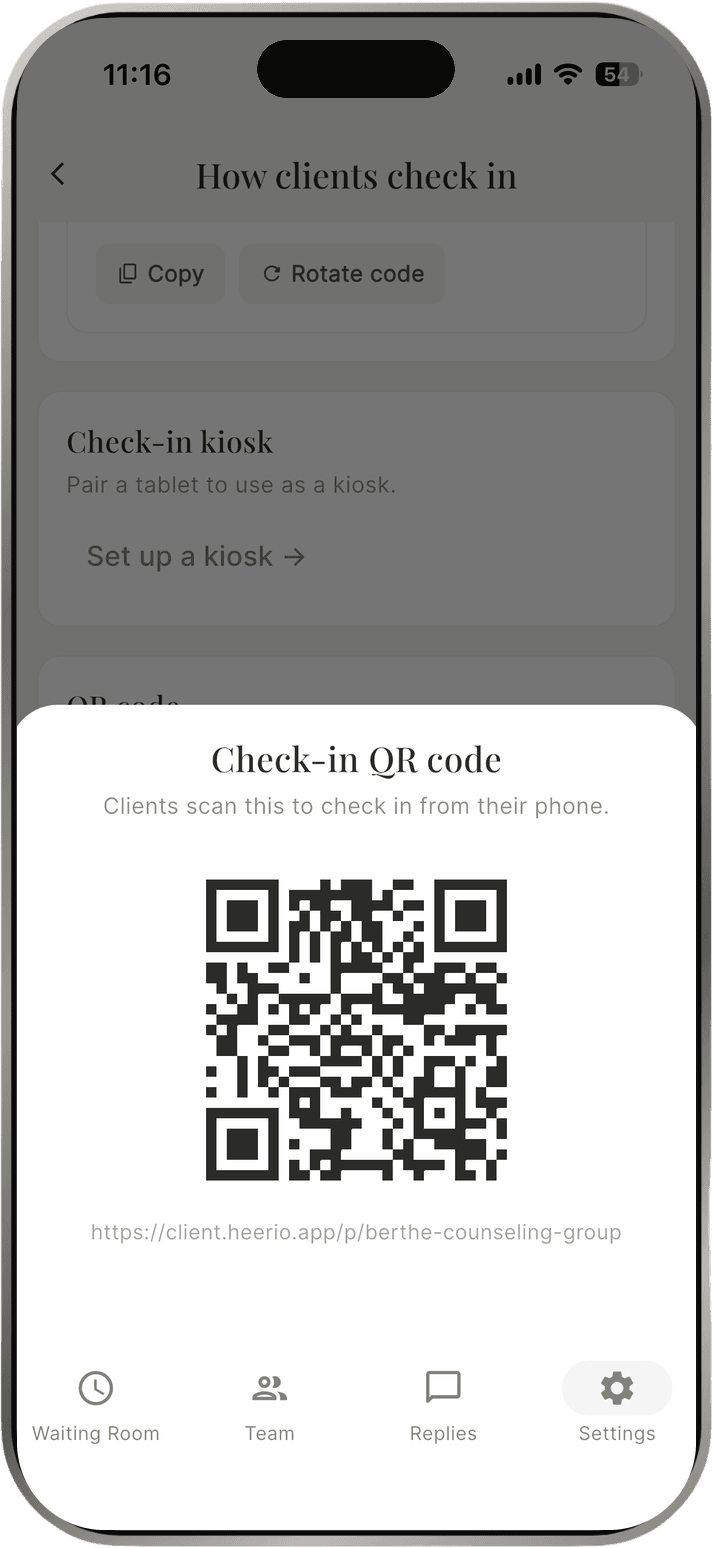
Print your QR code and display it in your waiting room. Clients scan it with their phone camera and check in right in their browser. There's nothing to download and no tablet to buy, and you're notified the moment they arrive.
How it works
Step 1. Print and display your QR code where clients will see it.
Step 2. A client opens their phone camera, scans the code, and checks in in their browser.
Step 3. You get a push notification and can reply with one tap.
Common questions.
Do clients need to download an app?
No. Scanning the QR code opens check-in right in their phone's browser, and a waiting-room tablet means no download at all. The Heerio for Clients app is there for clients who prefer it.
How do clients check in?
Three ways: scan your office's QR code with their phone camera, use the Heerio for Clients app, or tap in on a tablet in your waiting room.
What do notifications say?
They're intentionally generic, like "New arrival at your practice." No names, initials, or client details appear on your lock screen or watch.
From the blog
Start free for 30 days.
Sign up nowNo card required · No commitment